Server access
There are four servers to build on: Frostwarf, BoulderBrook, Moongrove and Stormfall. You start with one. Access Tokens unlock the rest.
Your main server
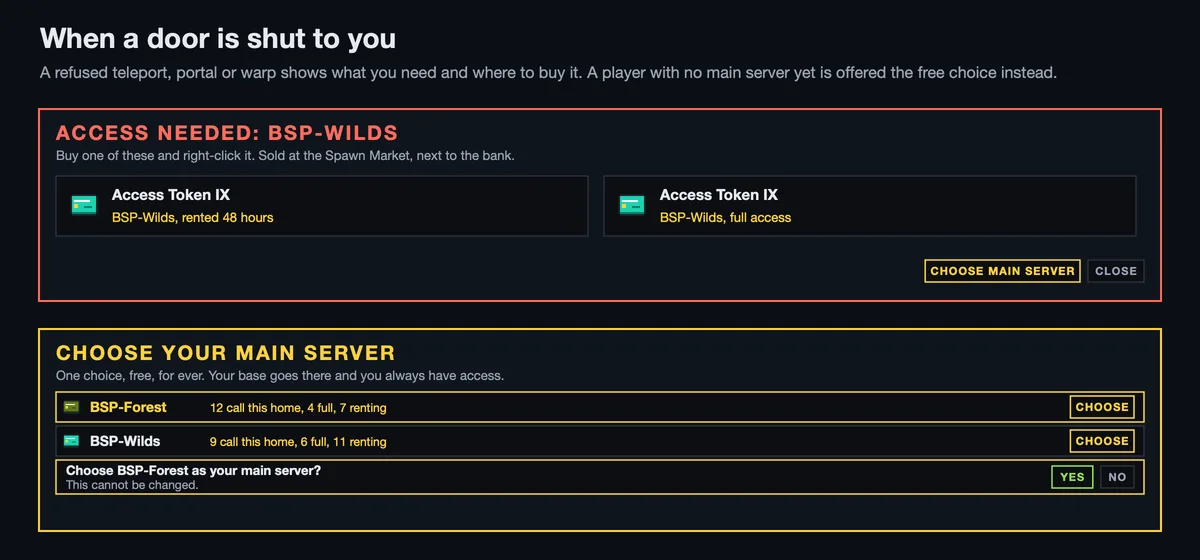
The first time you try to enter a server that needs access, you are asked to choose your main server. It is one choice, free, for ever: your base goes there and you always have access. You can also make the choice with /mainserver <server>.
Access Tokens
Every other server you rent for a while or buy outright, with Access Tokens from the shops.
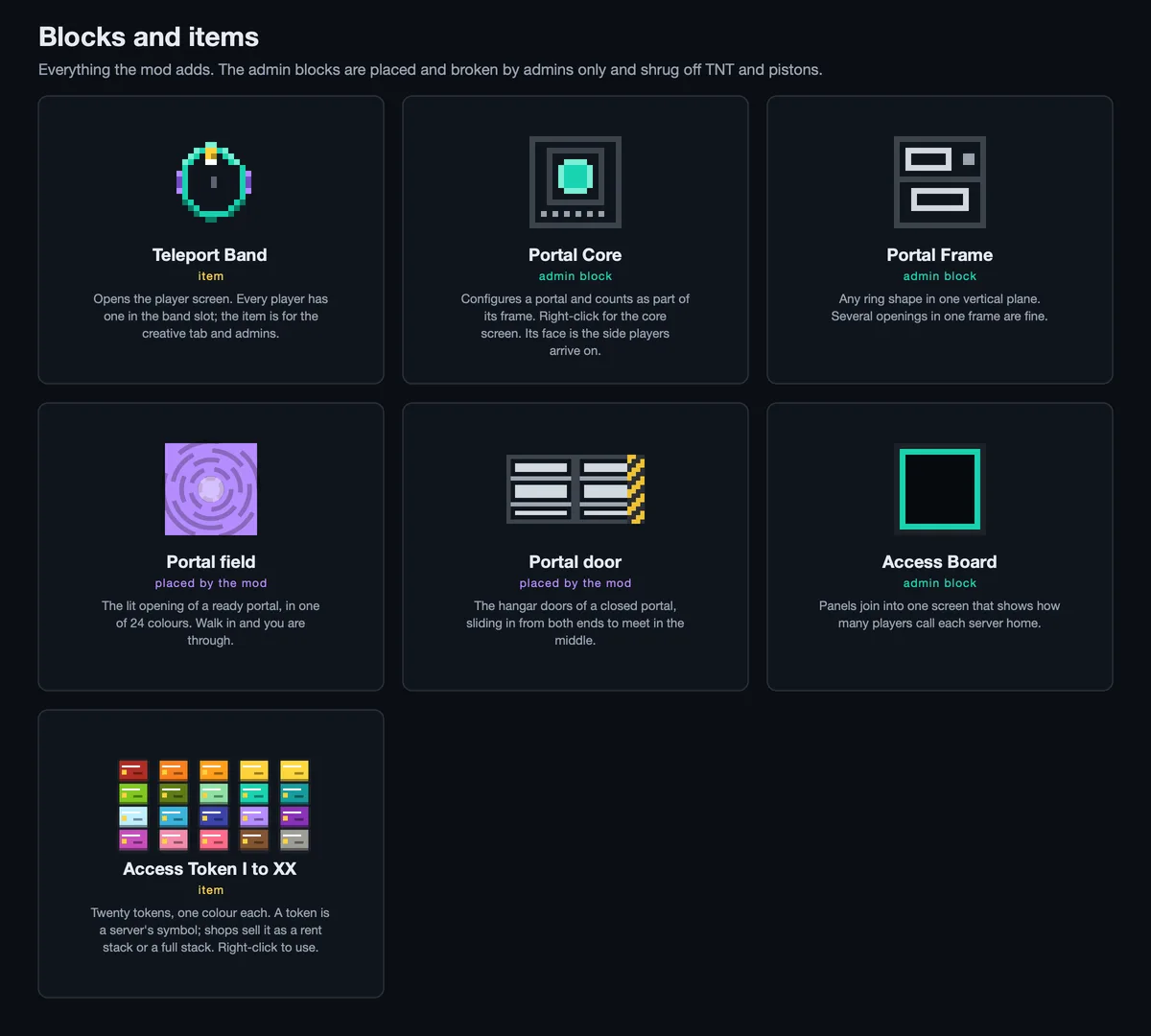
- There are twenty tokens, Access Token I to XX, one colour each. Each stands for a server (or for a single area, portal or warp). Its tooltip says which.
- A shop sells a token as a rent stack (so many hours: 168 by default) or a full stack.
- Buy one and keep it until you want it, give it to a teammate, then right-click it to use it.
- Rented time adds up. Full access replaces rent.
Above your hotbar
What you may enter shows above your hotbar:
| Frame | Means |
|---|---|
| Gold | Your main server |
| Turquoise | Full access |
| Violet, with a countdown | Rented |
Pick the layout (Row, Strip or Column) on the band's More tab. Rent warns you an hour, ten minutes and a minute before it runs out. When it does, you are moved to your main server.
When you are refused
A refused teleport, portal or warp tells you what you need: the server, the token that sells it, and where to buy it. A player who arrives on a restricted server any other way, or whose rent ran out while they were away, is sent to the network's main spawn.
Which servers are popular
The Access Board at spawn shows how many players call each server home and how many hold full or rented access, to help new players choose. Score Screens can show the same as the HOME SERVERS board.
Describes Teleport 0.2.5. Numbers are the defaults; the server's settings may differ.